
Add open-model inference with the OpenAI SDK. Choose an available model, stream a response, and track your token costs in one dashboard.
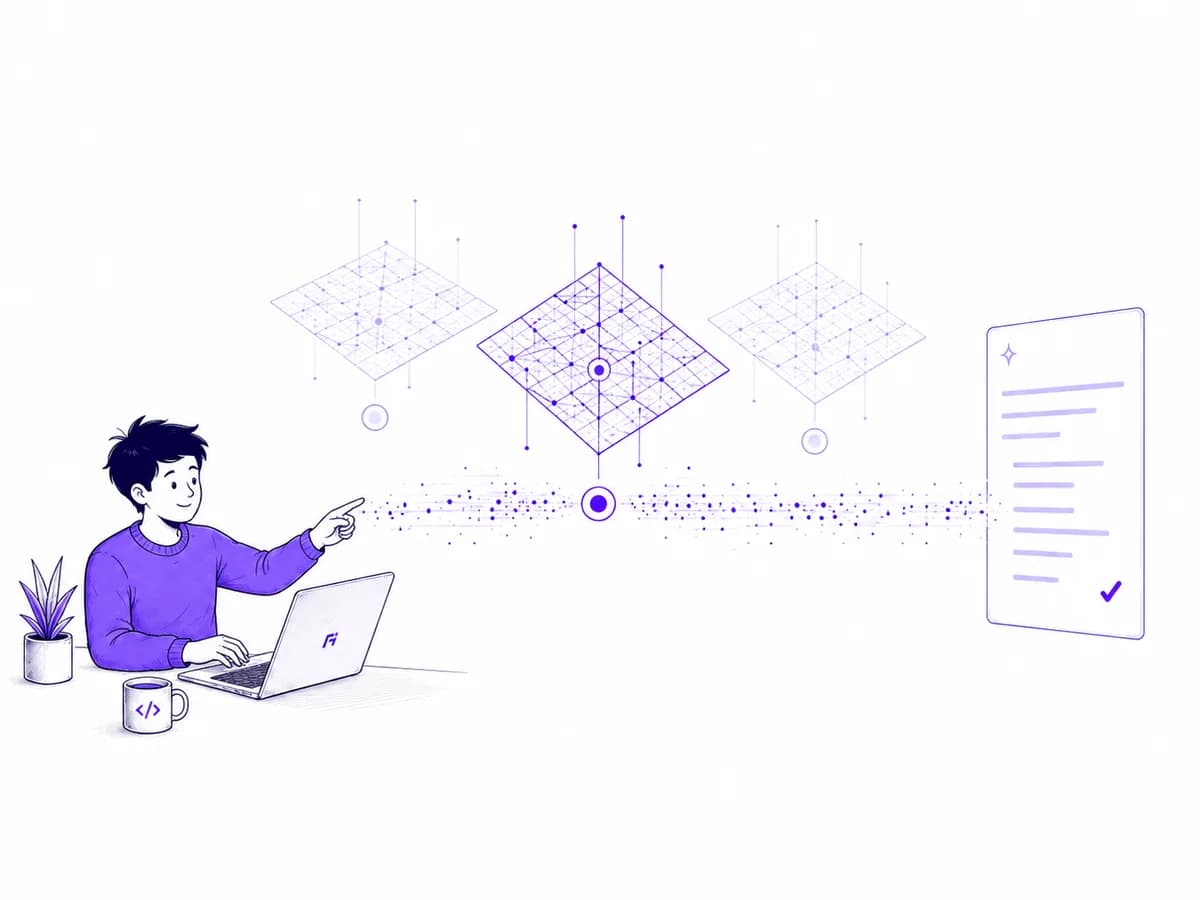
Connect once. Build from there.
Choose how you connect
- OpenAI SDK
- Node.js
- Python
- cURL
- HTTP API
From shared models to your own.
Start with serverless inference. Dedicated capacity and custom-model inference are coming soon.
Serverless inference
Available modelsUse models marked Available in the catalog. Send requests through one API and pay for the tokens you use.
Dedicated GPU inference
Coming soonRun a custom model of your choice on dedicated GPU capacity. Pricing and configuration options will be published before launch.
Custom-model serving
Coming soonBring your own model or a checkpoint produced with LoRA or full fine-tuning. Deploy it for inference on Arnict when custom serving opens.
Your inference content
Your app keeps the conversation.
Inference prompts and responses are never archived or used for training. Short-lived caches expire automatically. Your dashboard shows request usage and cost without storing conversation text.
Read about privacy →A request passes through.
Your content doesn’t stay.
Tokens · latency · status · cost
Create an account, get an API key, and choose an available model. Use the OpenAI SDK to send your first request.
- Stream text as the model responds
- Create and revoke API keys in your dashboard
- Review request status, token usage and cost
Keep your client. Change the endpoint.
import OpenAI from "openai";

const client = new OpenAI({
  baseURL: "https://api.arnict.com/v1",
  apiKey: process.env.ARNICT_API_KEY,
});

const completion = await client.chat.completions.create({
  model: process.env.ARNICT_MODEL, // an available model ID from the catalog
  messages: [{ role: "user", content: "Summarize this ticket." }],
  stream: true,
});

for await (const chunk of completion) {
  process.stdout.write(chunk.choices[0]?.delta?.content ?? "");
}Create an account, choose an available model, and connect your app with an API key.